A practical workflow for browsing and checking spreadsheet links
Choose a category and narrow the list by product type, size range or the details you need to verify. Treat each spreadsheet row as a starting point, not a guarantee that the listing is still available.
Open the current seller page to confirm price, color, size and domestic shipping. If a link is unavailable or has changed products, return to the category list instead of ordering from an old screenshot.
After the item reaches the warehouse, compare the selected option with the QC photos. Check measurements, visible alignment, labels, color and any requested detail before deciding whether to ship.
Use these focused guides to verify product links, review warehouse photos and make informed shipping decisions.
Open current spreadsheet categories, shortlist workflows and stale-link checks.
Read guideMove from an organized find to a verified item decision.
Read guideCheck seller pages, prices and selected product options.
Read guideReview the warehouse item within the return window.
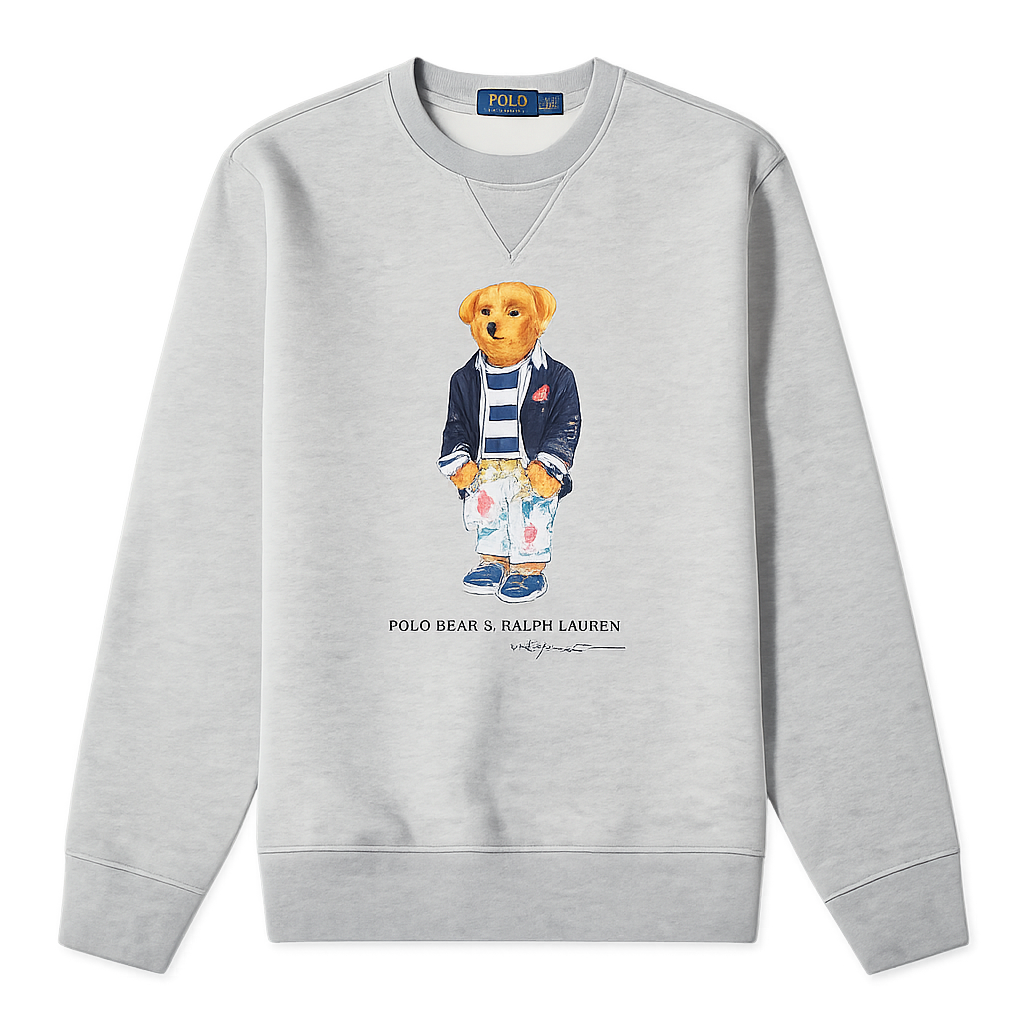
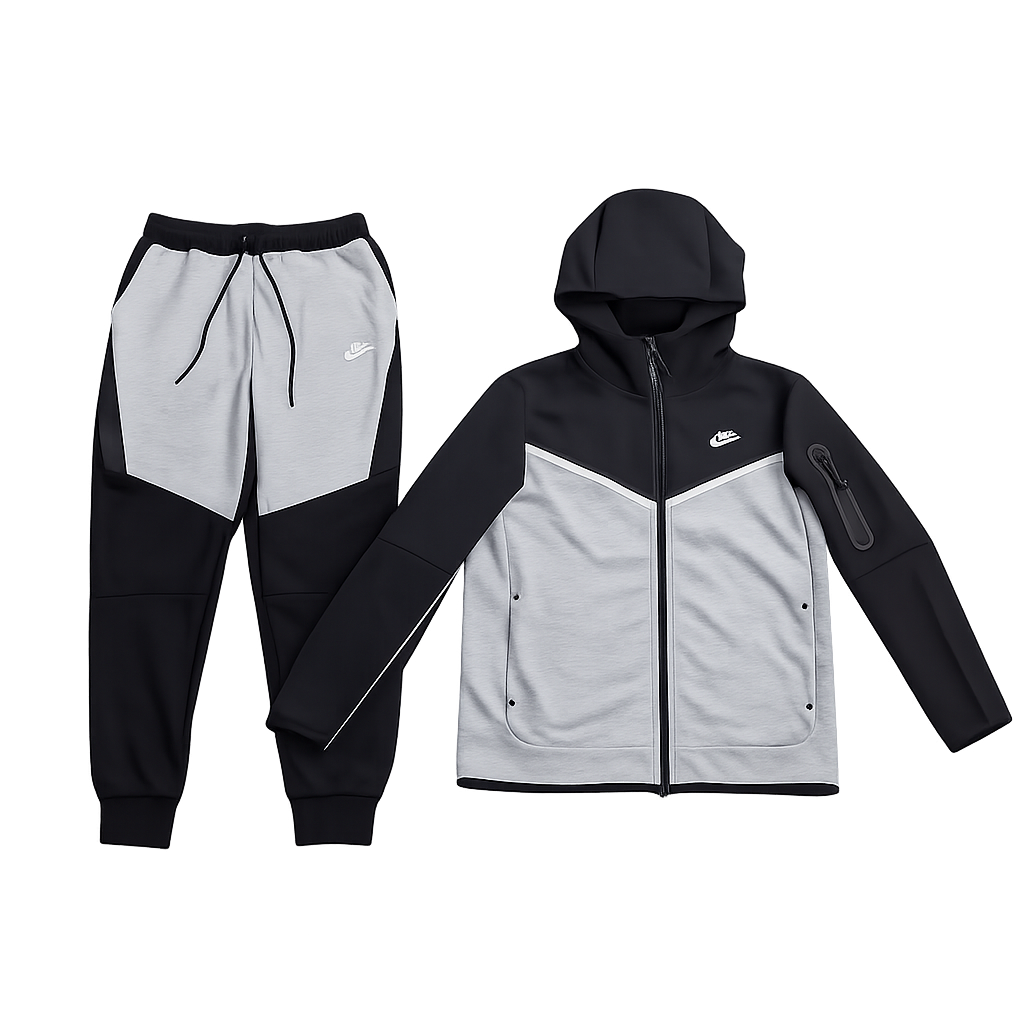
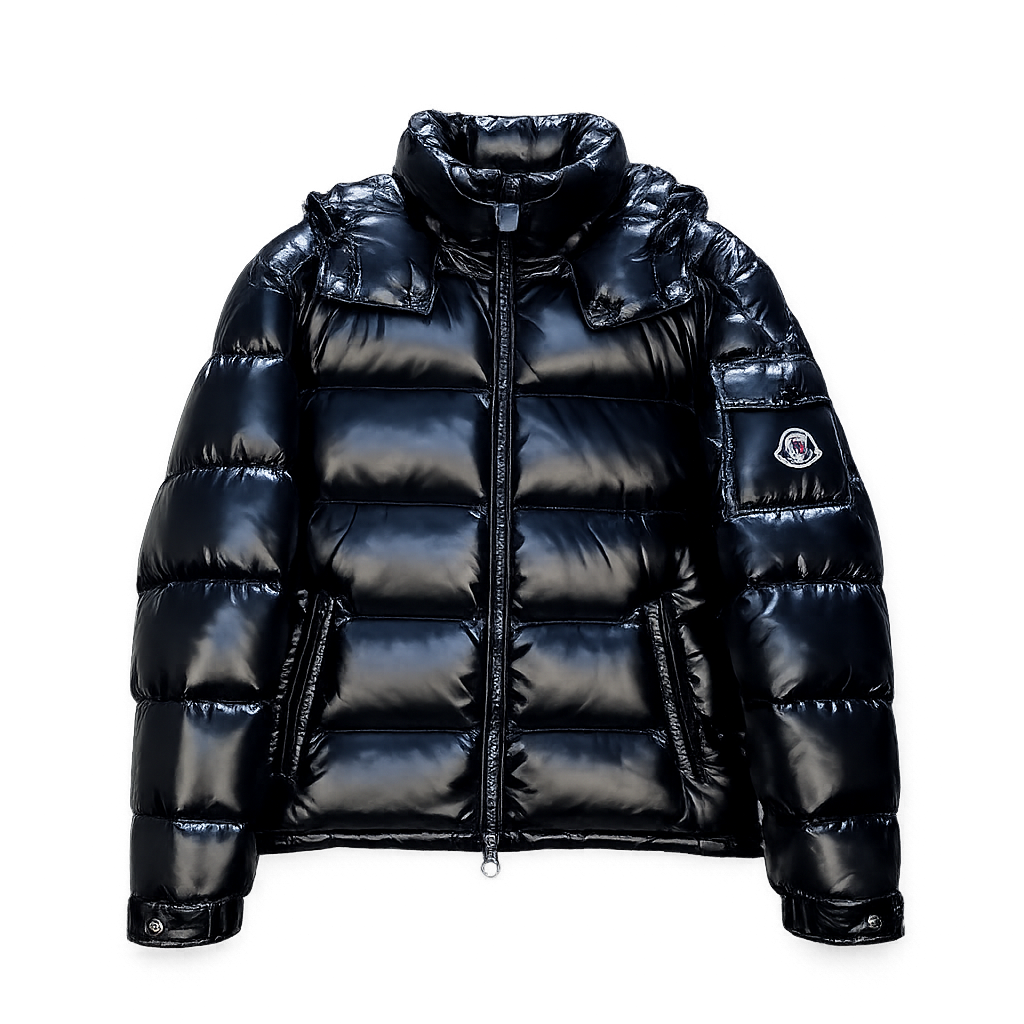
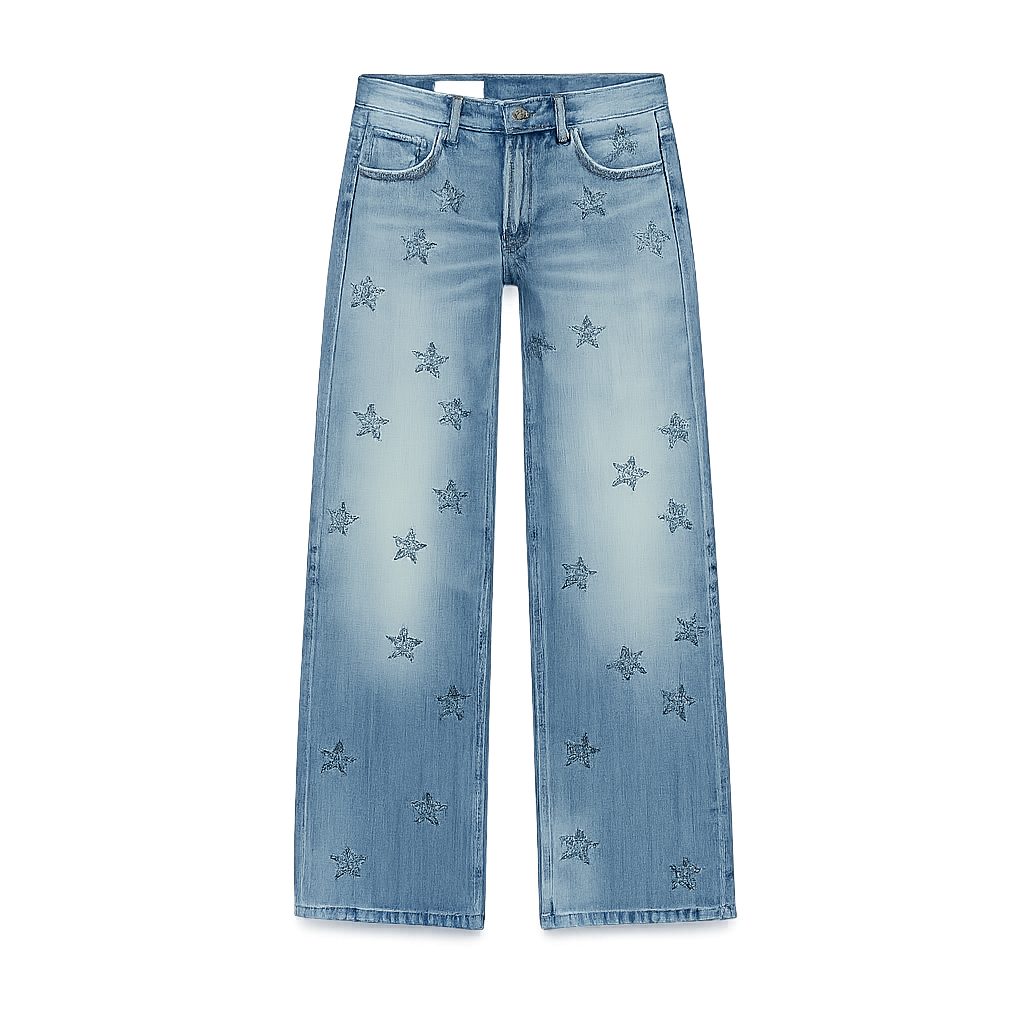
Read guideResearch T-shirts, hoodies, jackets and pants with sizing checks.
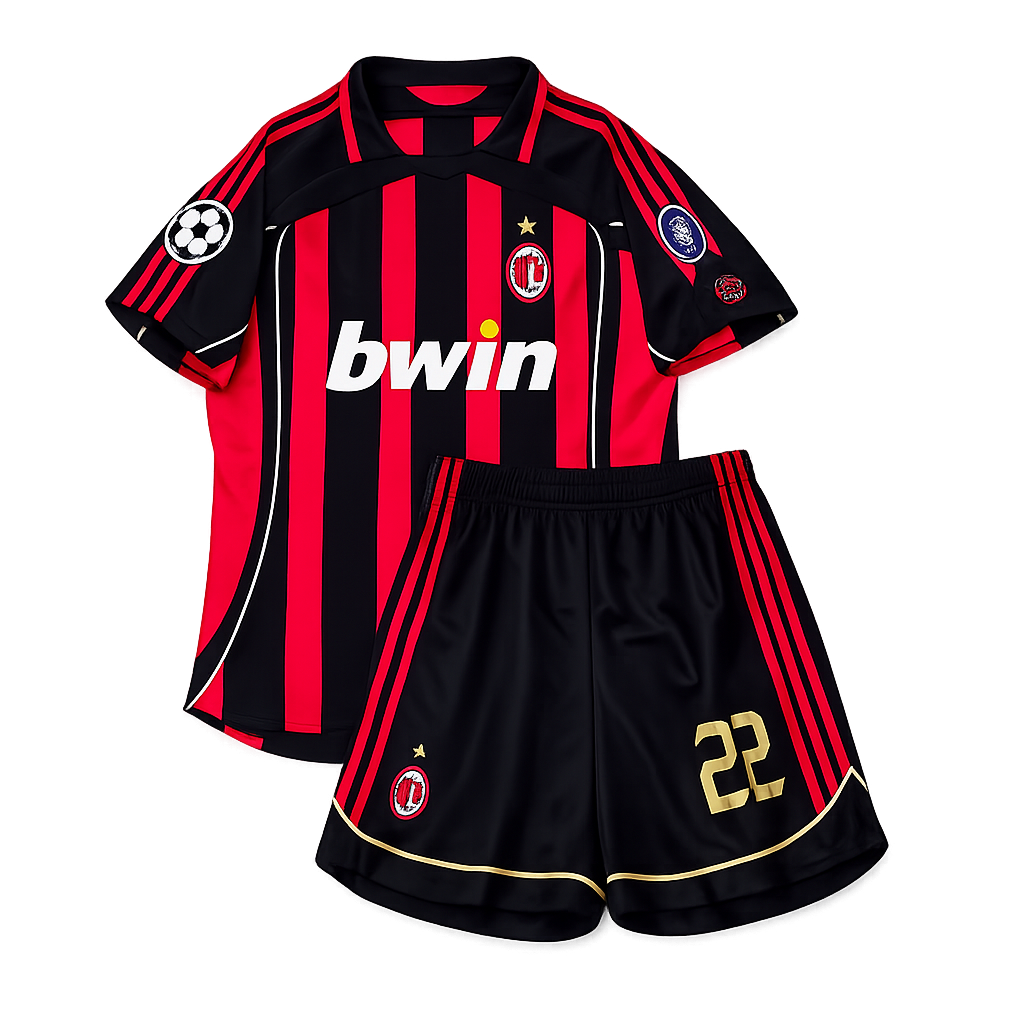
Read guideCompare football and soccer apparel listings with QC checks.
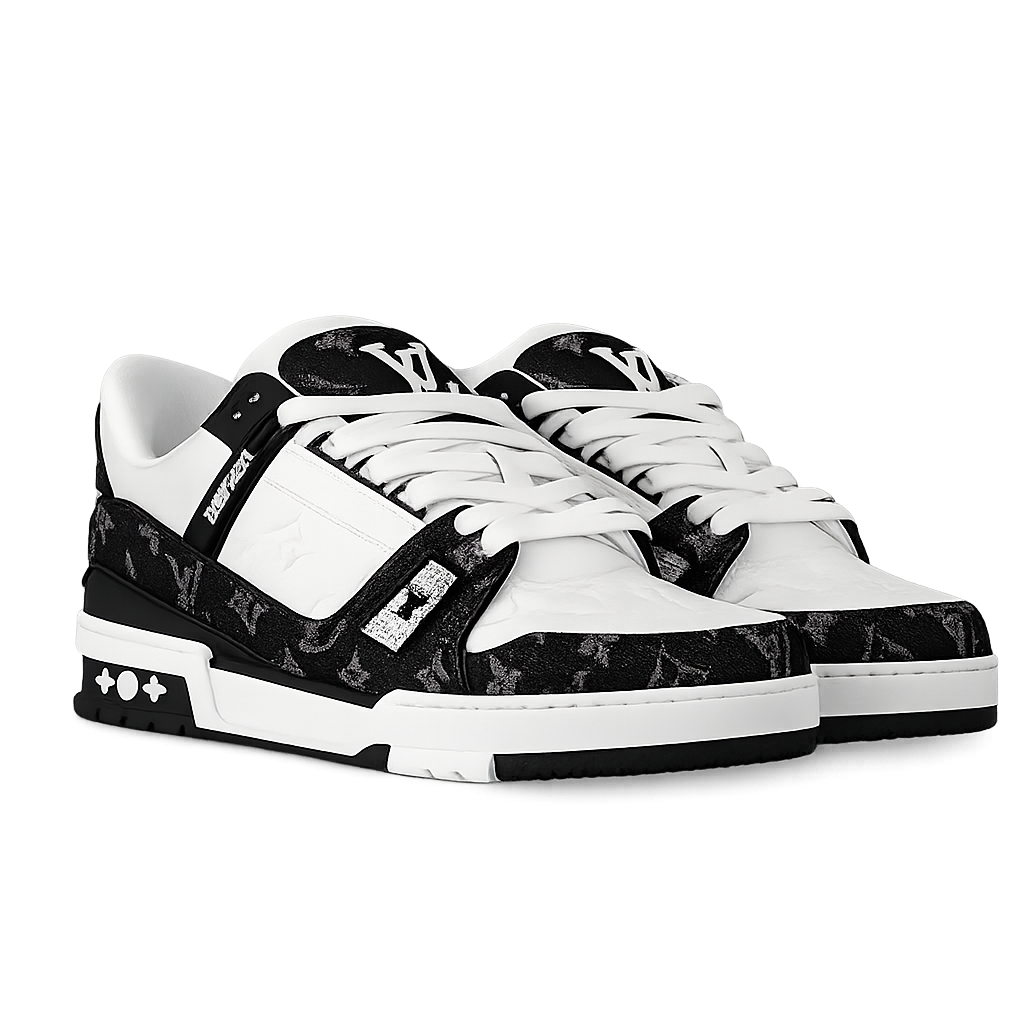
Read guideRecord the live source, selected shoe size, option text, QC evidence and later parcel details.
Read guide